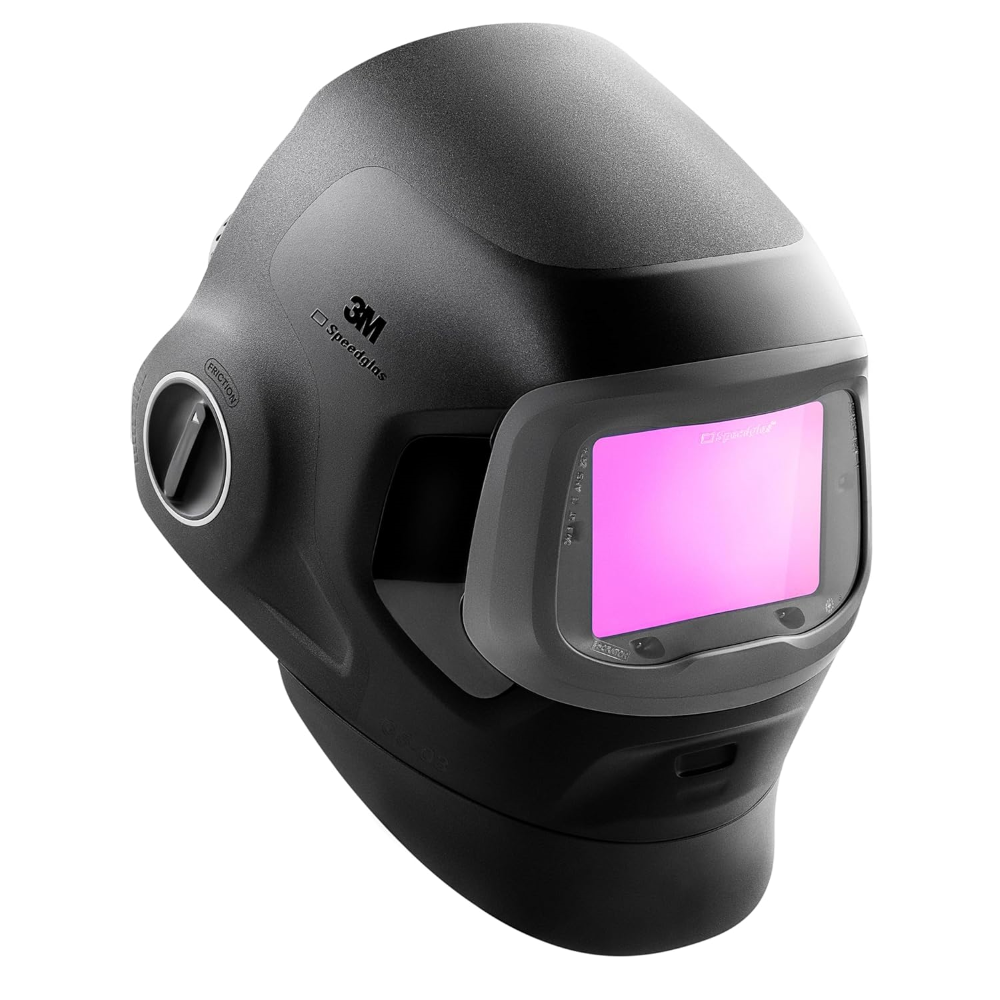
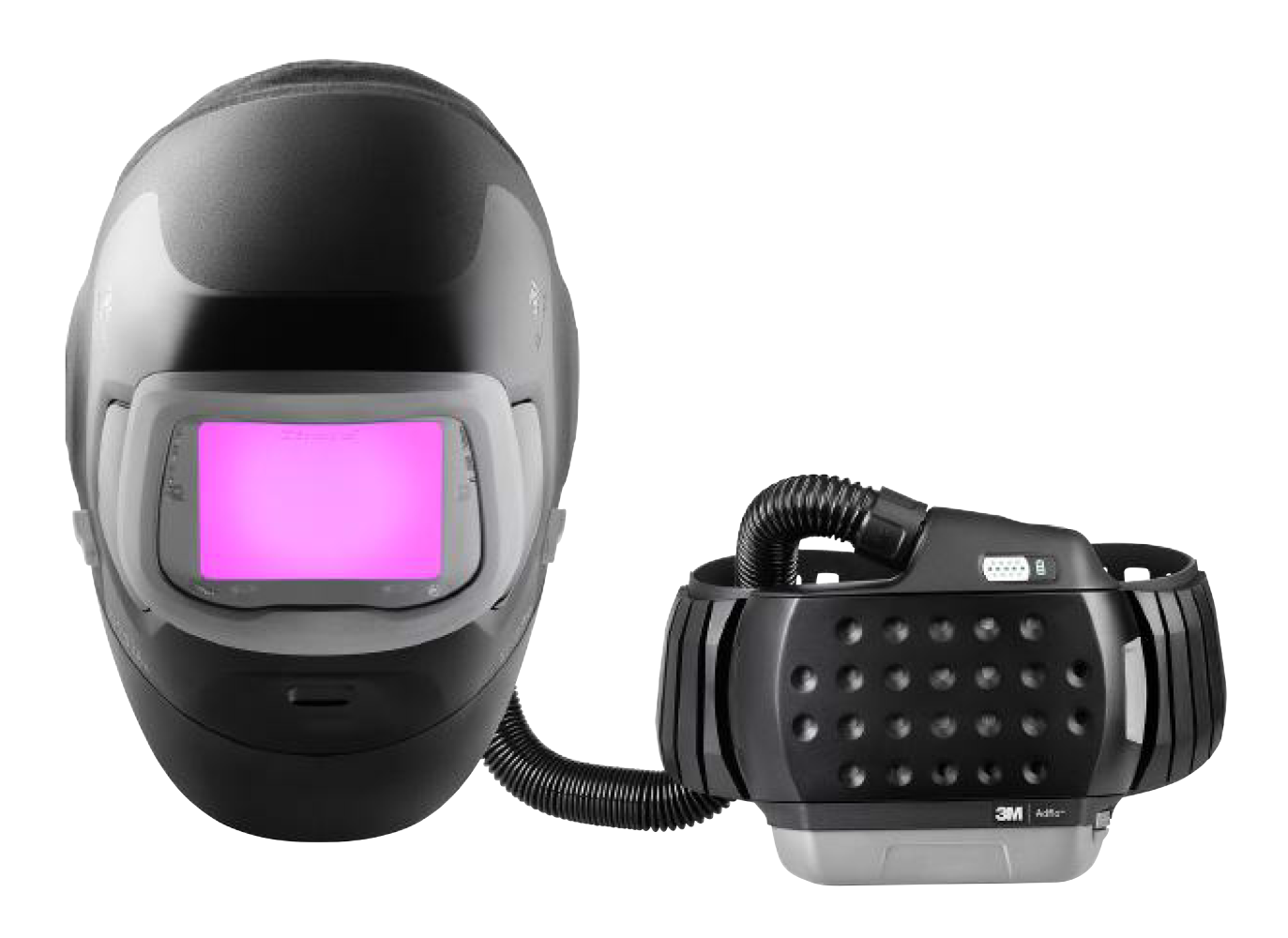
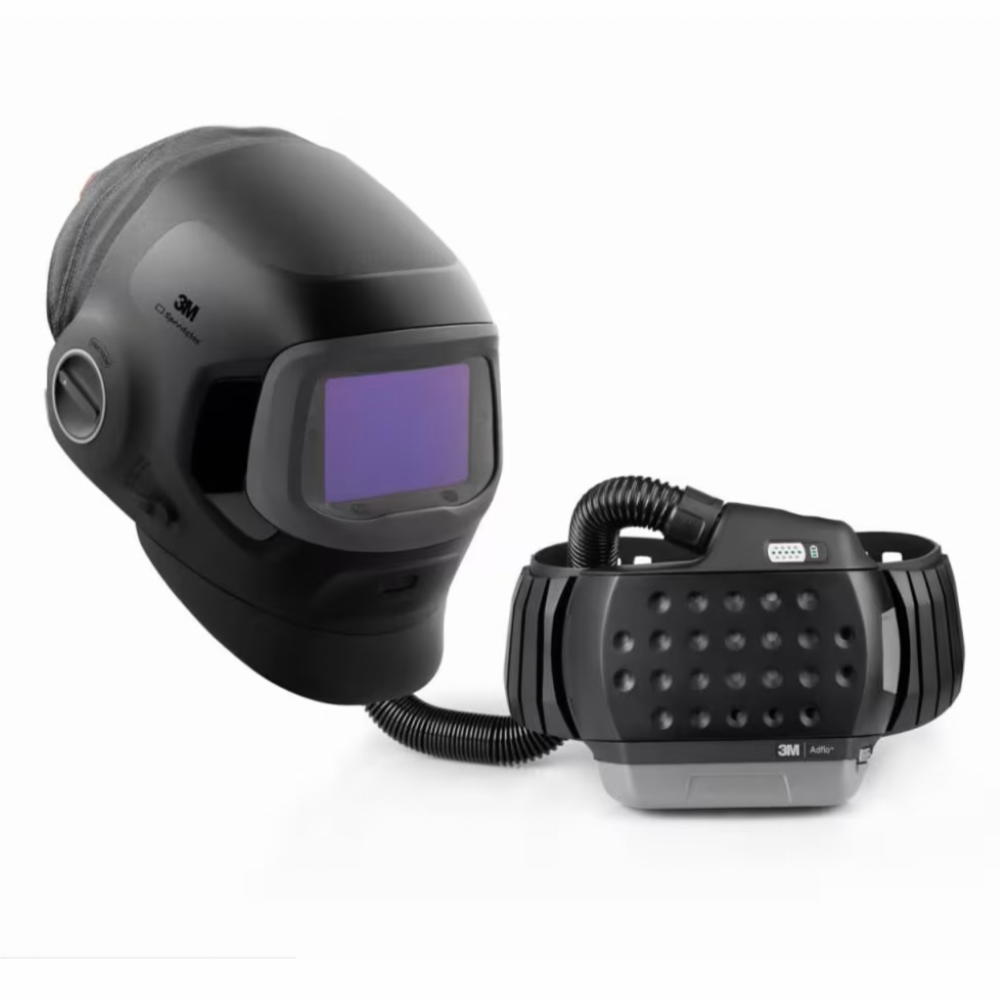
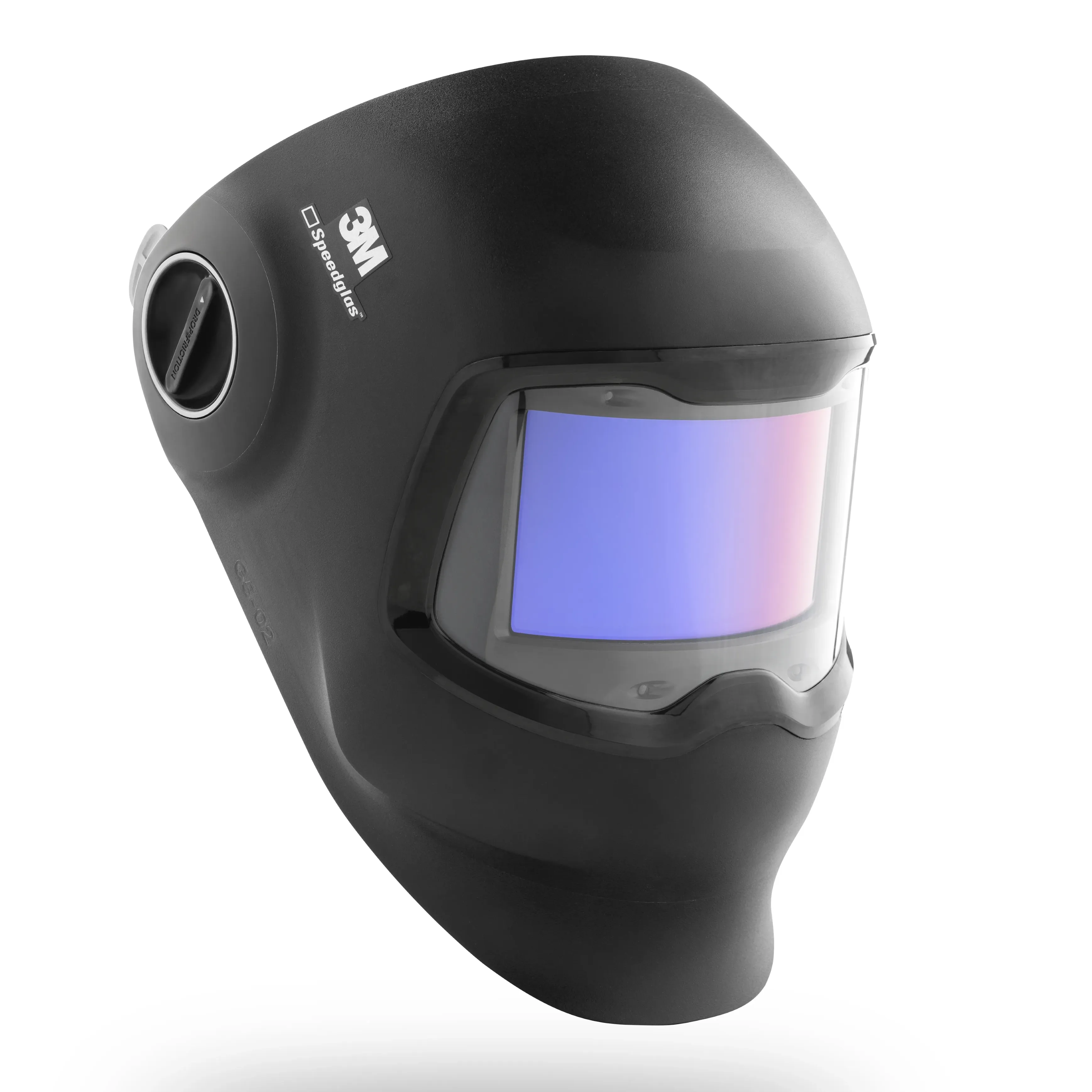
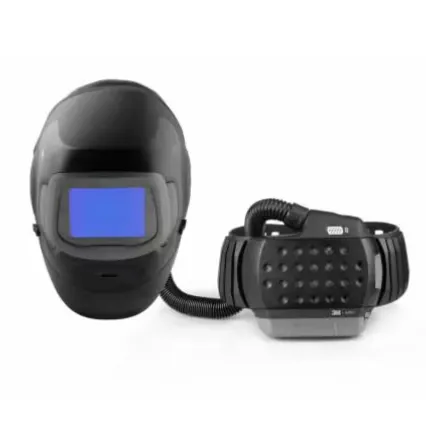
The 3M™ Speedglas™ G5-03 Series of Welding Helmet

Versatility to upgrade your performance.

Farewell to compromises.

Are you a professional welder who performs a variety of welding and grinding tasks?

You need a welding helmet versatile enough so that you do not have to compromise on function, performance OR safety.

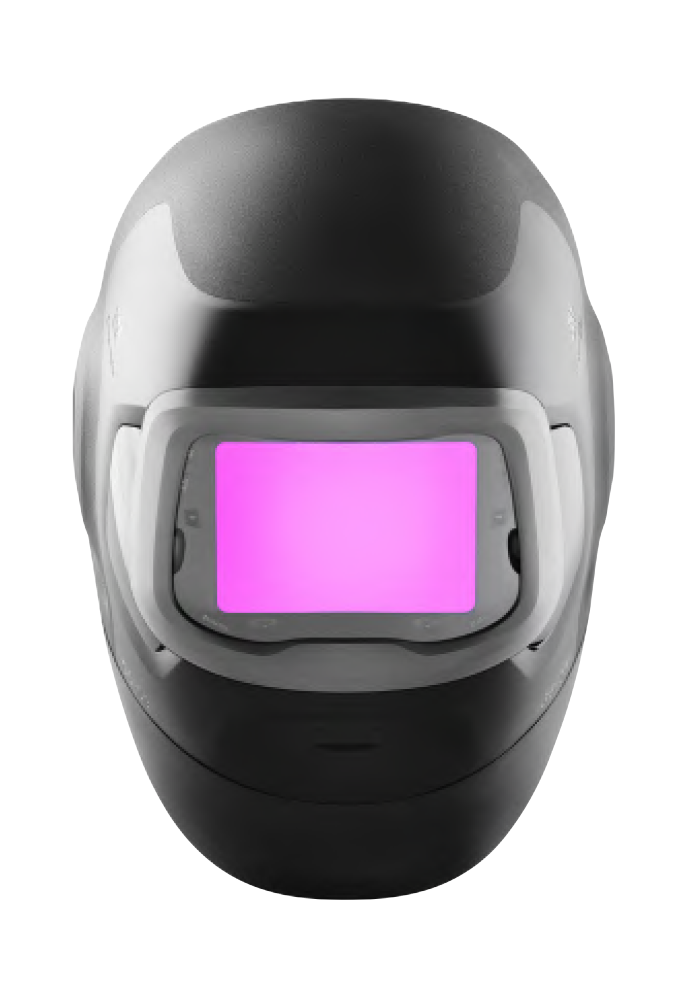
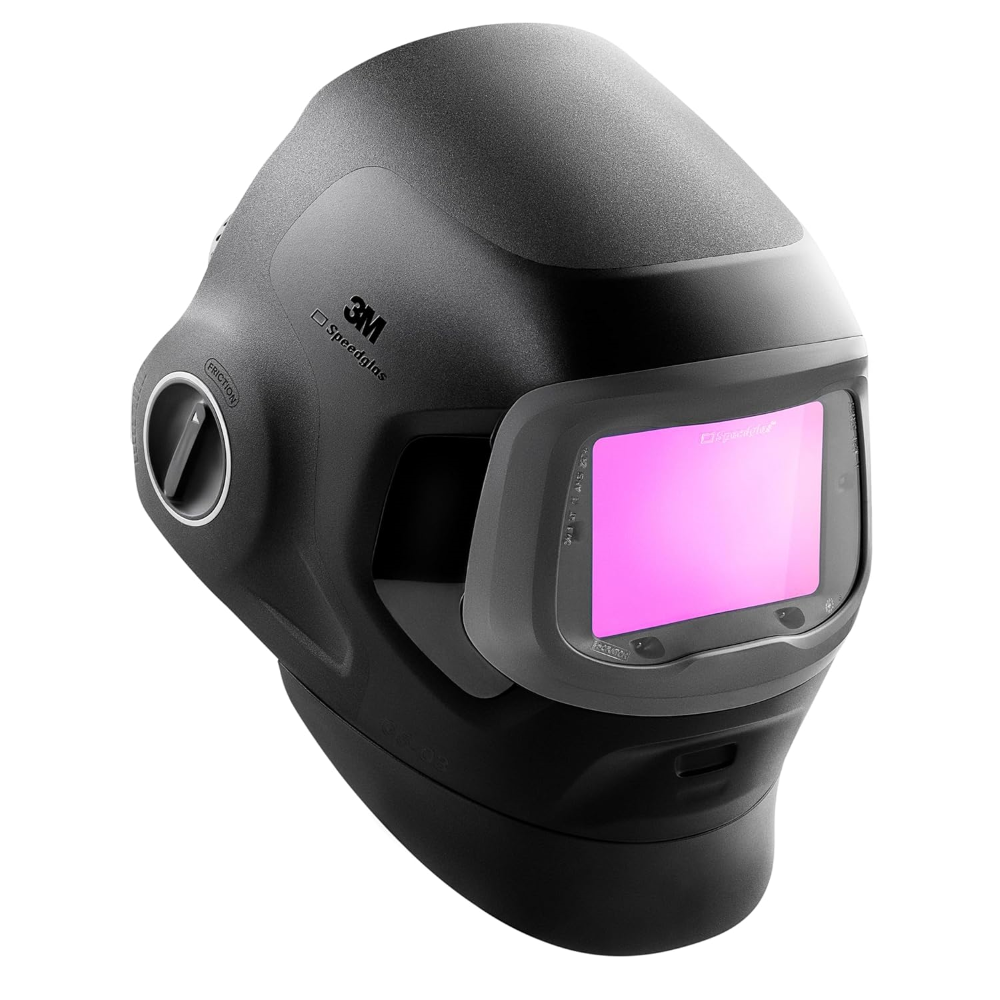
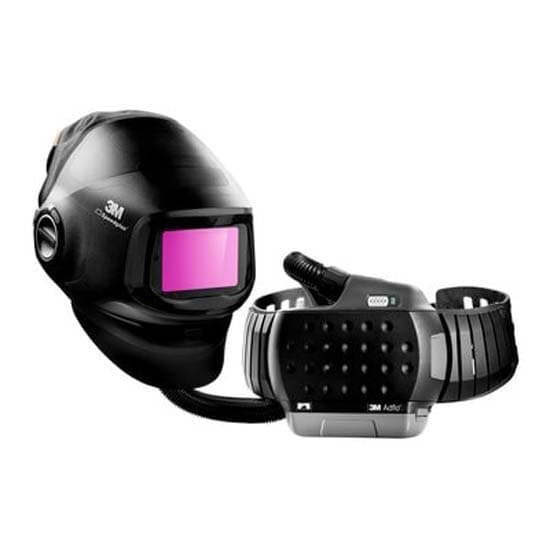
That’s why we have designed the 3M™ Speedglas™ G5-03 Pro Welding Helmet Series.

Versatility to upgrade your performance!

This welding helmet series is designed for the welder who may need…

Filtered air icon
…filtered air1)
Excellent view icon
…an excellent view
Protection against arc welding radiation icon
…protection against arc welding radiation2)
Sutable to perform grinding tasks icon
…to perform grinding tasks
Comfortable icon
…a comfortable and well-balanced helmet
Safety helmet compatibility icon
…safety helmet compatibility3)
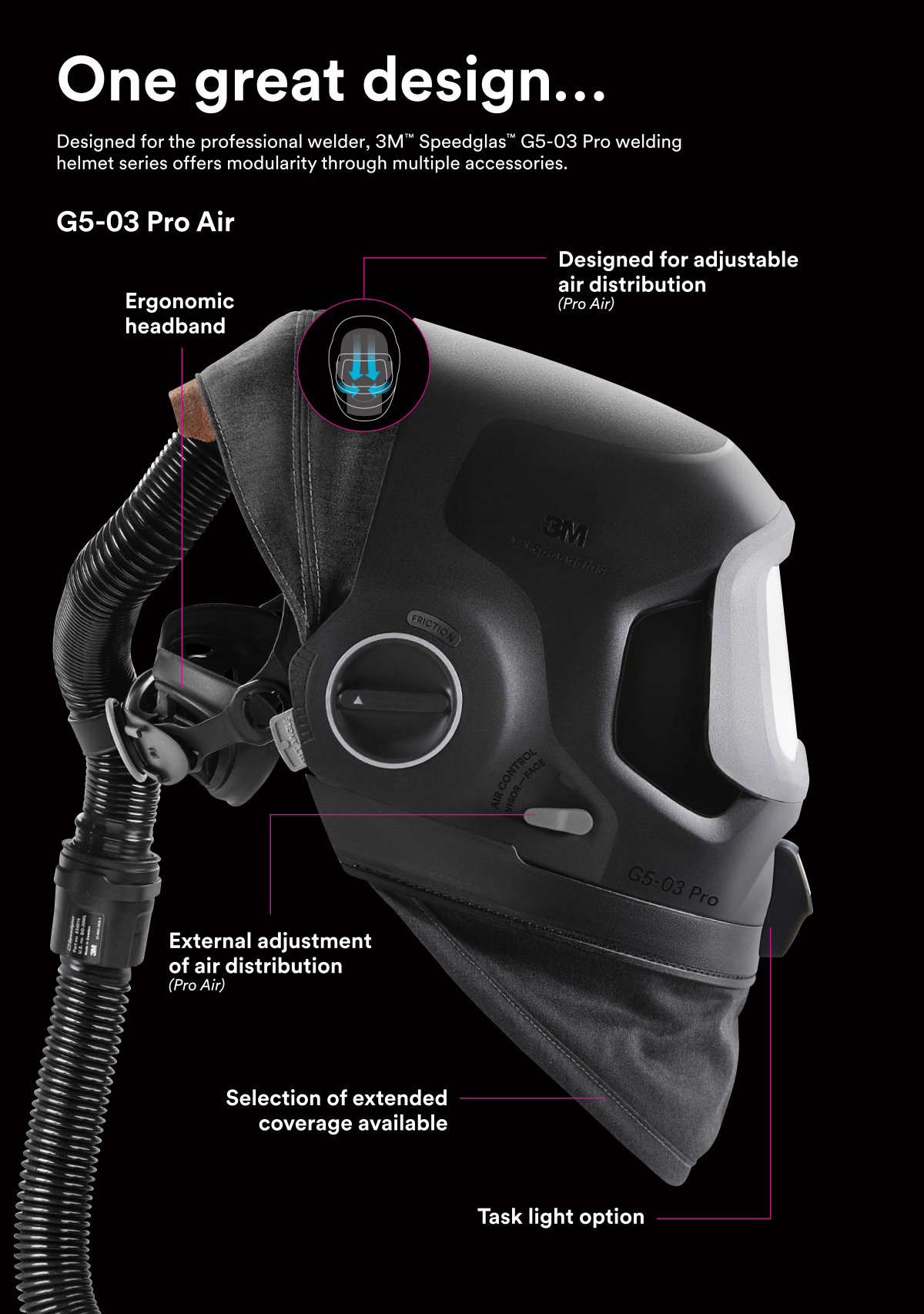
G5-03 Pro Air

G5-03 Pro Air Features & Options

  • Ergonomic headband
  • Designed for adjustable air distribution
  • External adjustment of air distribution
  • Optional extended coverage
  • Available Task light

G5-03 Pro

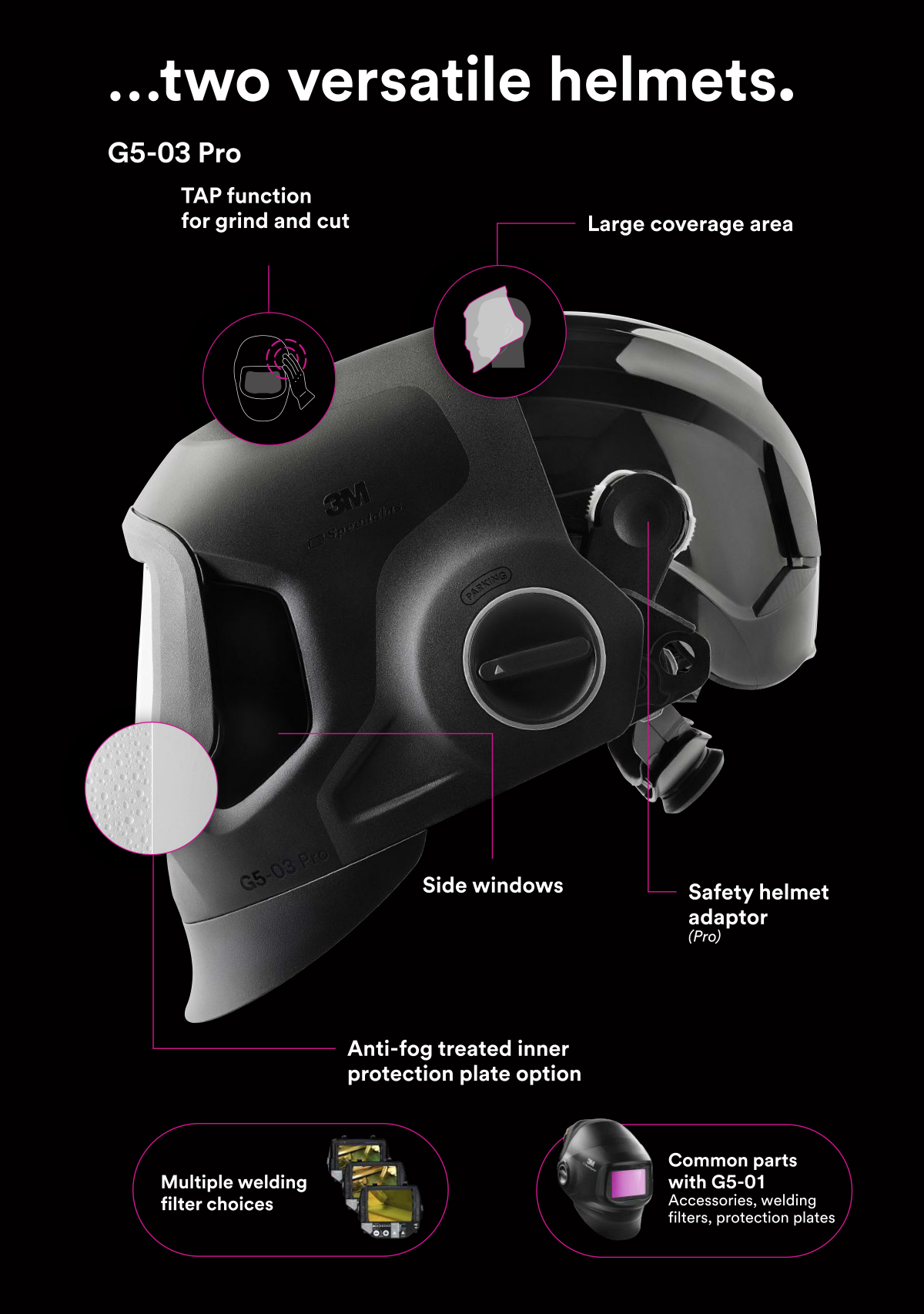
G5-03 Pro

  • TAP function for grind and cut
  • Large coverage area
  • Side windows
  • Safety helmet adaptor
  • Anti-fog treated inner protection plate options
  • Multiple welding filter choices
  • Compatible with some G5-01 helmet parts: Accessories, welding filters, protection plates

Tab Function Image

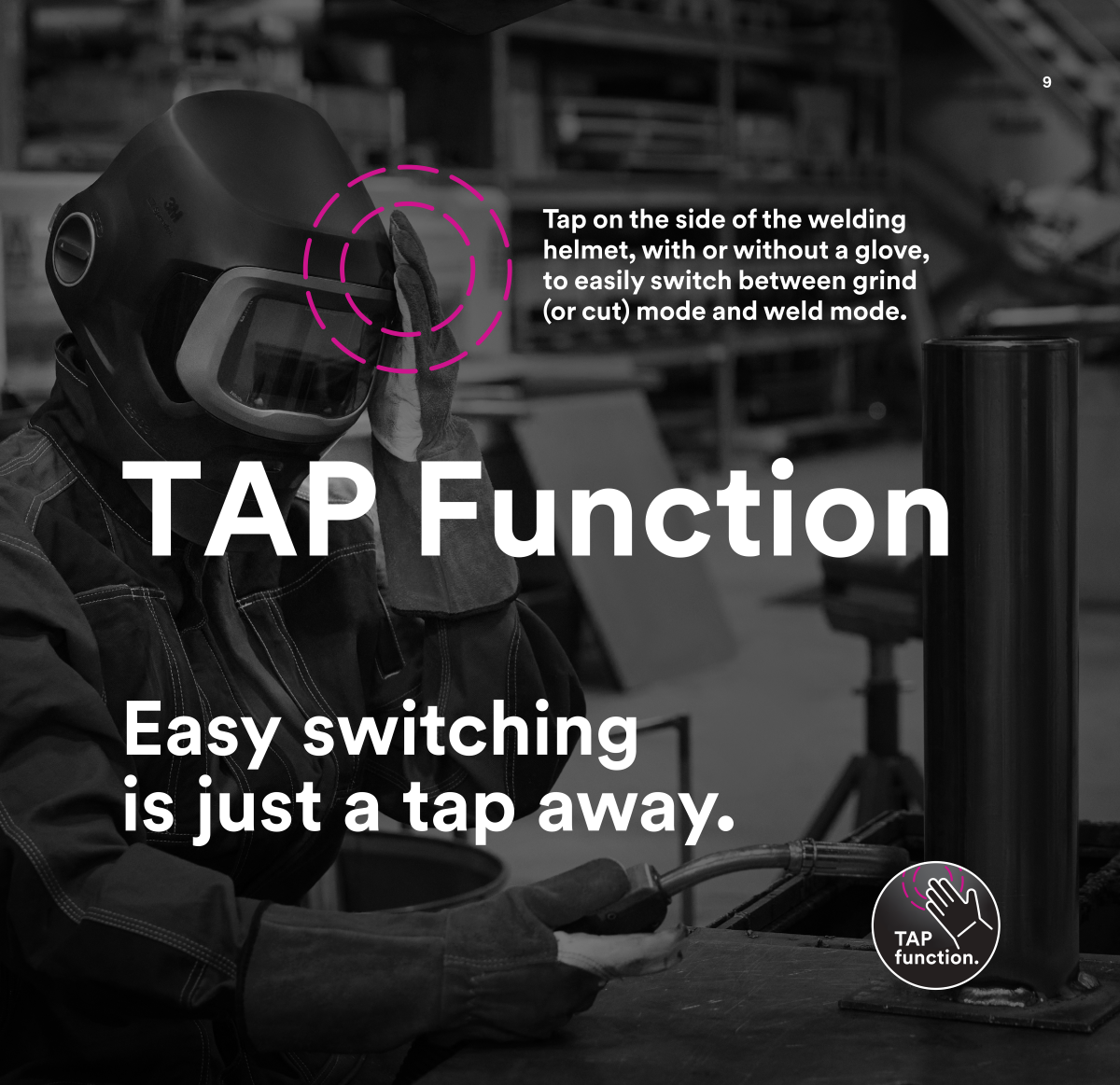
TAP function

Easy switching is just a tap away.

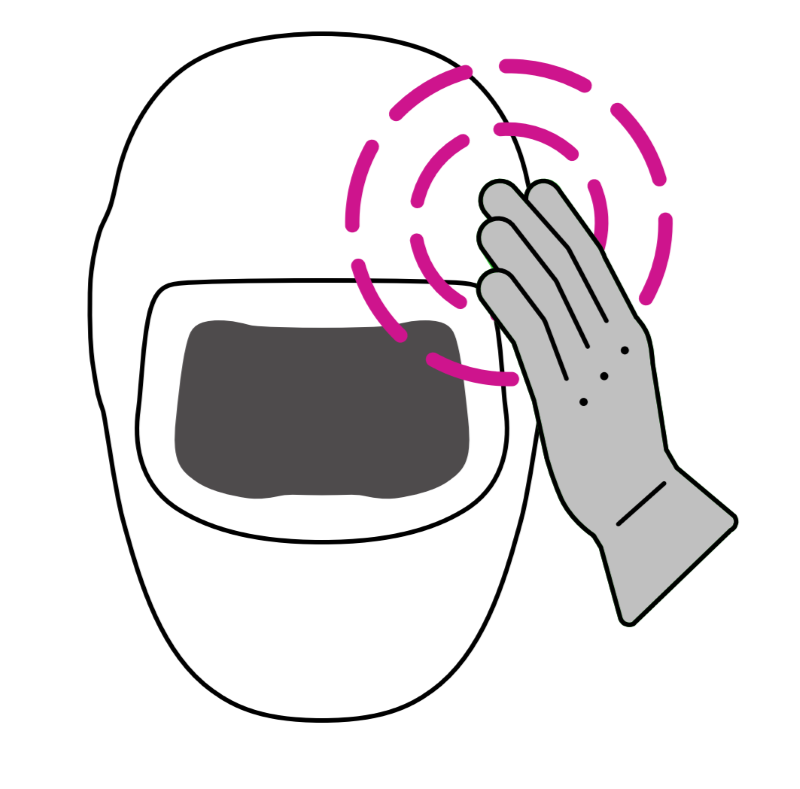
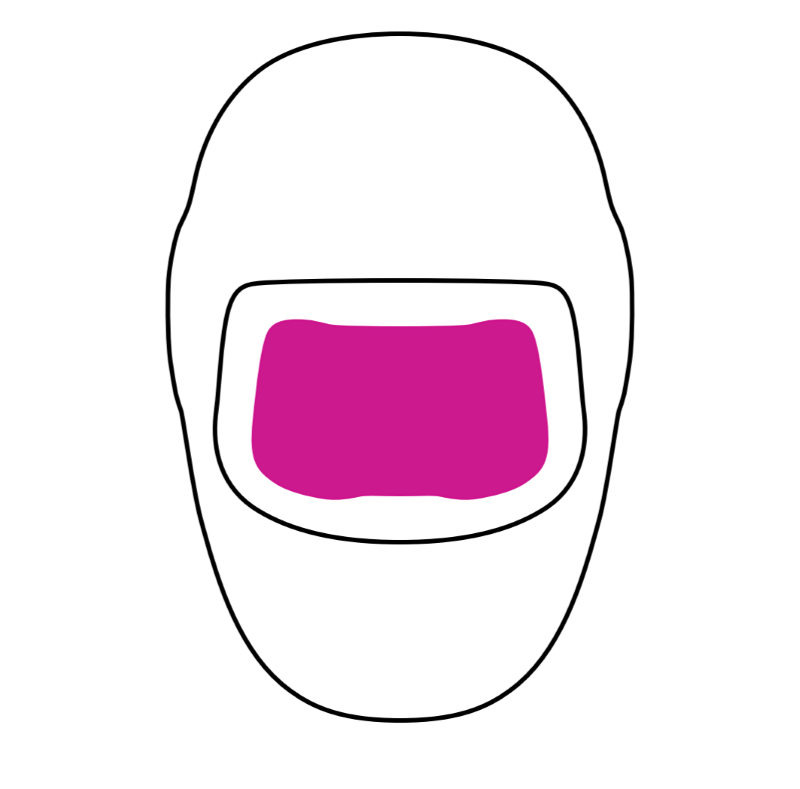
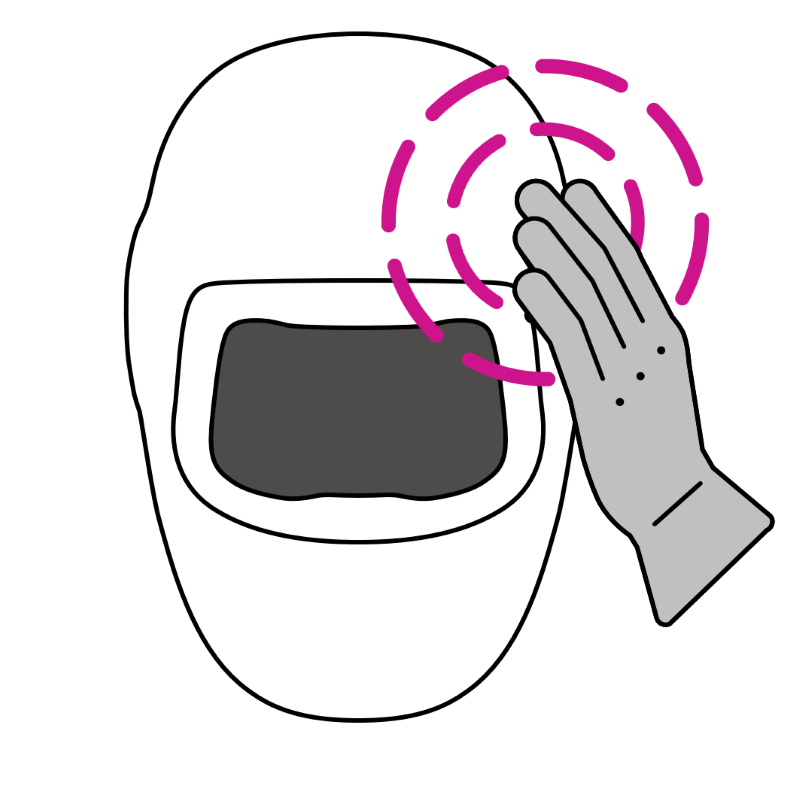
Tap on the side of the welding helmet, with or without a glove, to easily switch between grind (or cut) mode and weld mode.

Switch quickly between modes (GRIND/CUT and WELD) by simply tapping the side of the helmet with your hand – even when wearing gloves.

The TAP function is robust and intuitive, and can be inactivated whenever needed by simply pressing the ADF buttons.

Built into the G5TW and G5VC welding filters, the TAP function may help to improve productivity with button-less control.

Tap Function Stage 1 Tap Function Stage 2 Tap Function Stage 3 Tap Function Stage 4
1 2 3 4
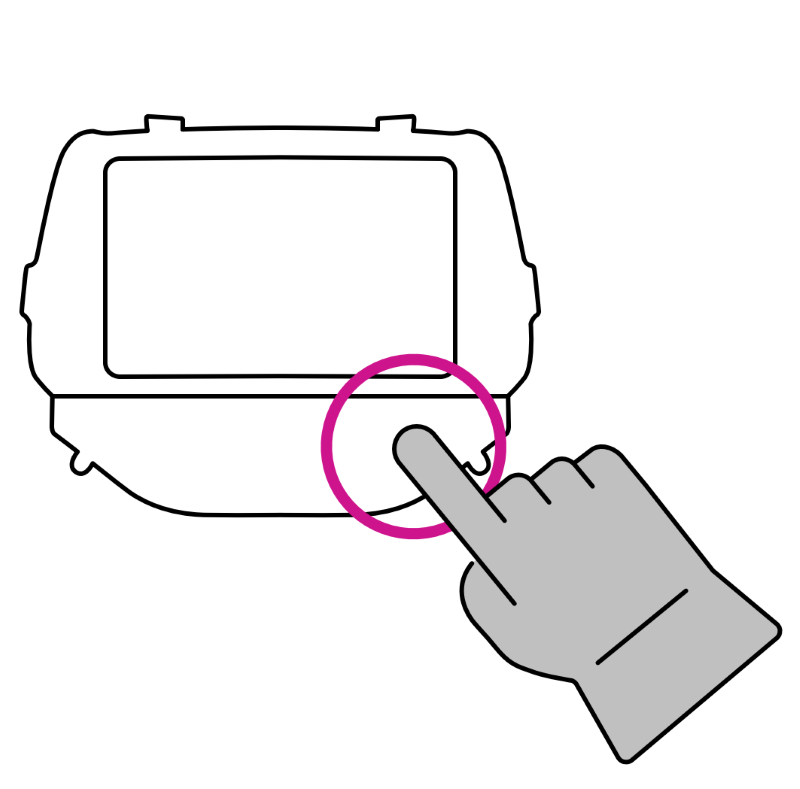
Use the interface on the filter to set if you want to use TAP function with grind or cut mode. TAP on the side of the welding helmet to switch between GRIND and WELD mode or CUT and WELD mode. The filter will switch to desired setting. Tap again and the filter switches back to welding mode.


Available Helmet Models

Available Accessories

Welding Protection

Extend your protection.

Do you require additional protection from heat, radiation, spatter and sparks? There is a range of extended coverage options available to give you a more comfortable and protective environment.


Welding protector image

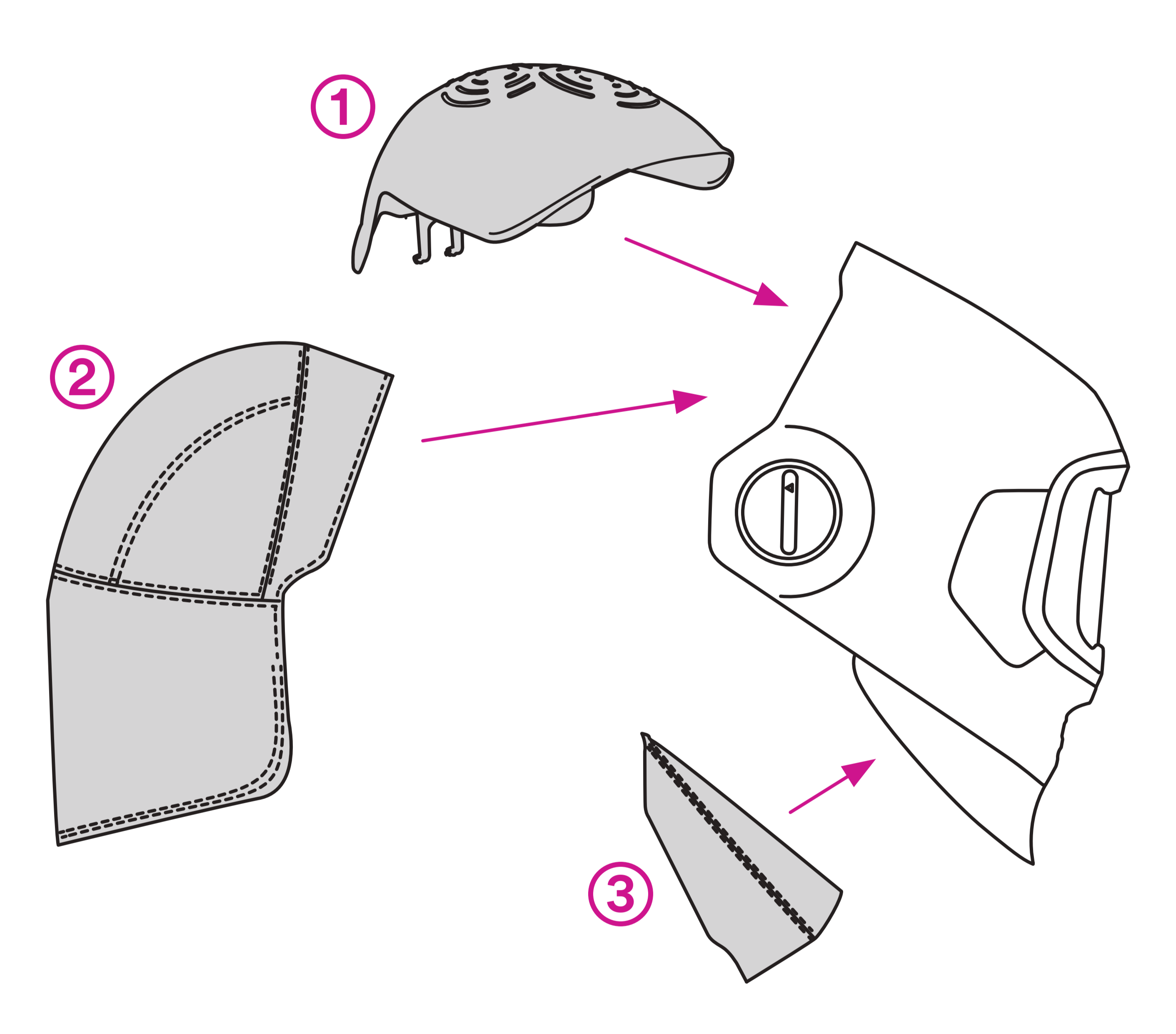
1 Scrape guard
Helps to protect the welder against head scrapes.

2 Head cover
Increase coverage of your head by adding a fabric head cover.

3 Neck protection
Interchangeable lower part of the welding helmet (plow) allows welders to customize neck protection according to their welding situation depending on head size, working position, and working application.

Spark protection
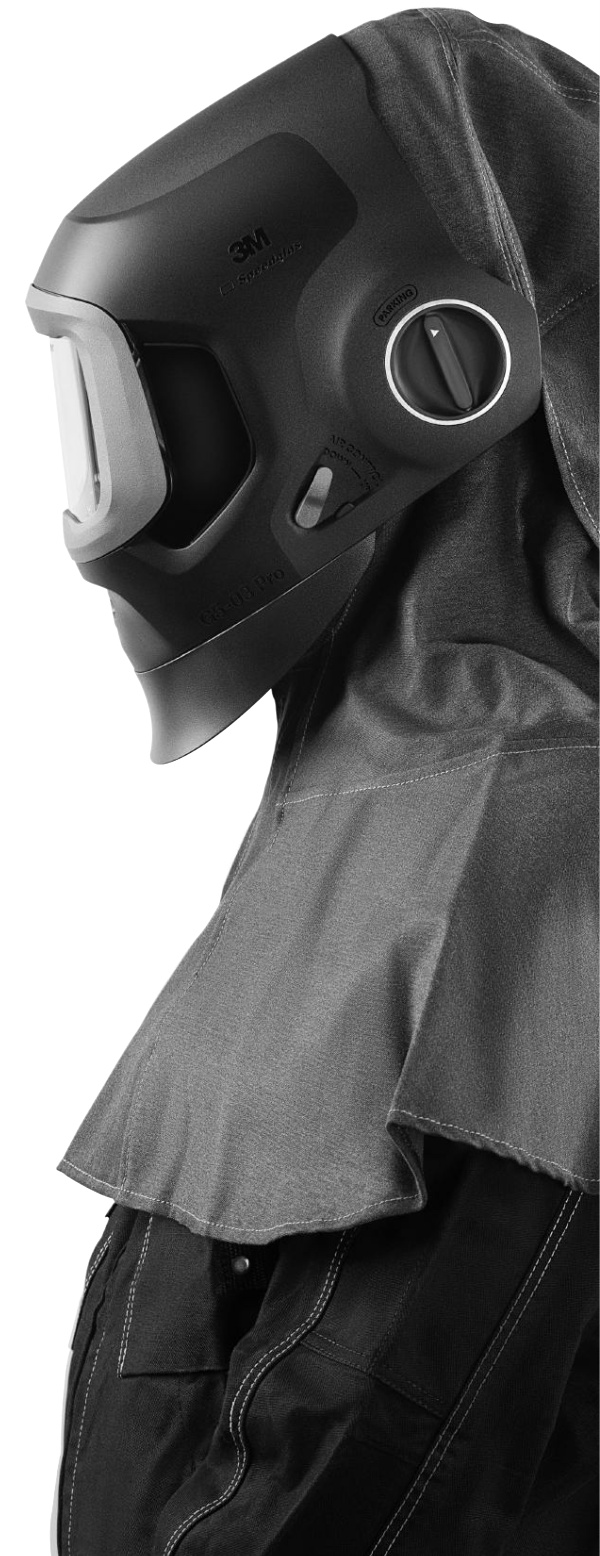
Flame-retardant fabrics protect the welder from sparks and spatter.

Welding protector image

Protection Accessories


Part Number: HOR06-0700-83
Model Number: 06-0700-83
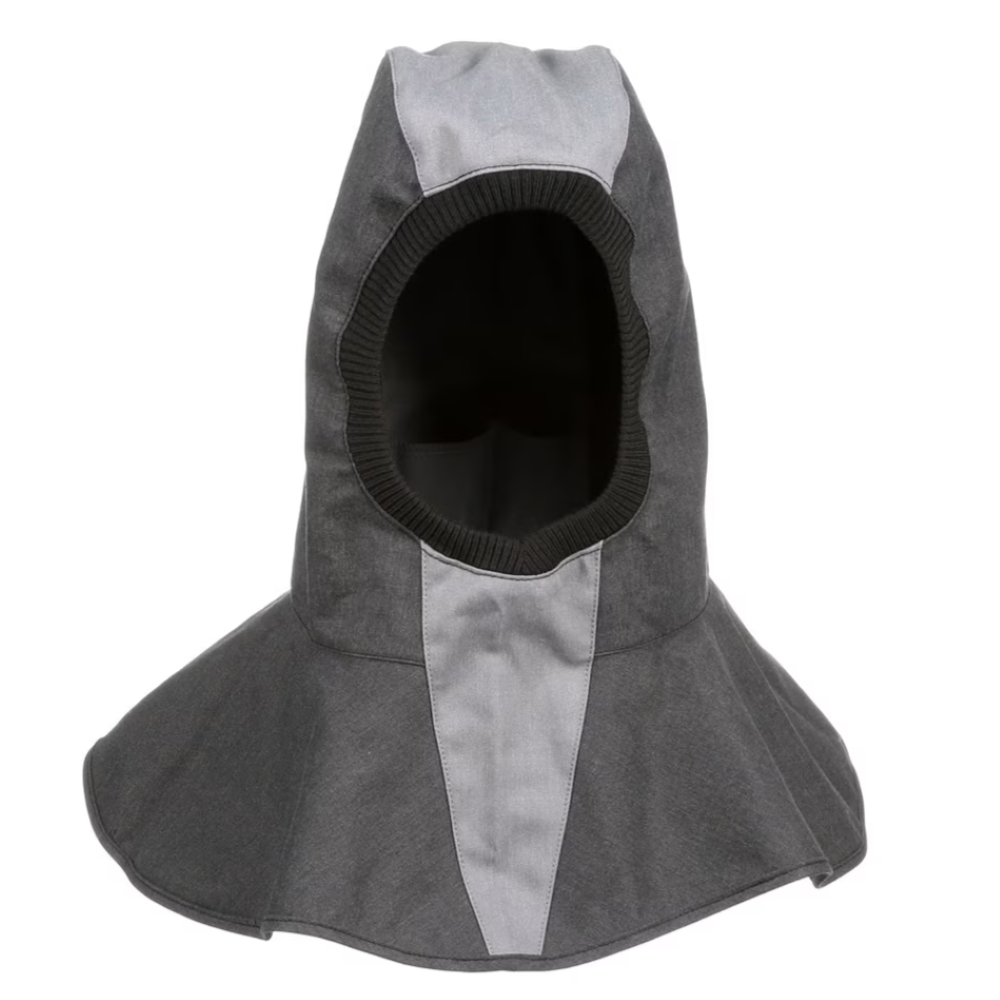
Welding full hood


Part Number: HOR46-0700-66
Model Number: 46-0700-66
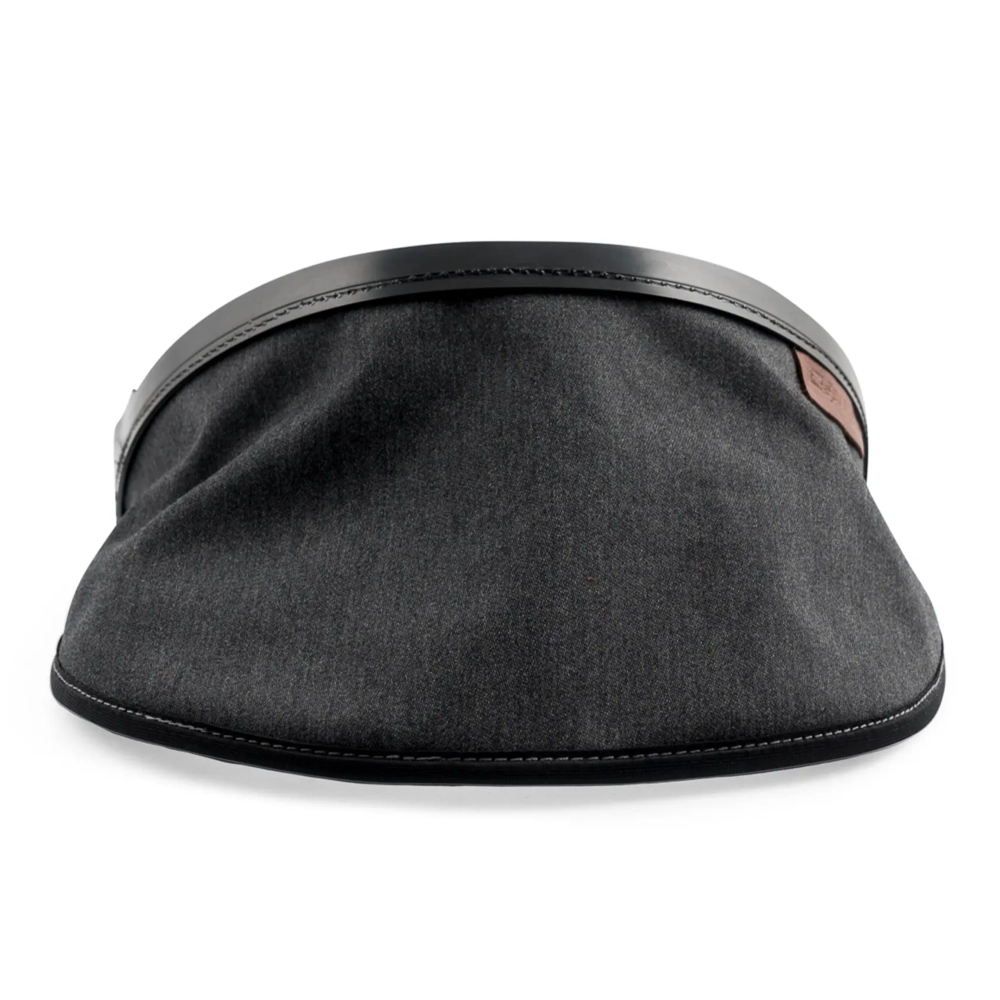
Large fabric neck cover


Part Number: HOR3MH46-0700-67
Model Number: 46-0700-67
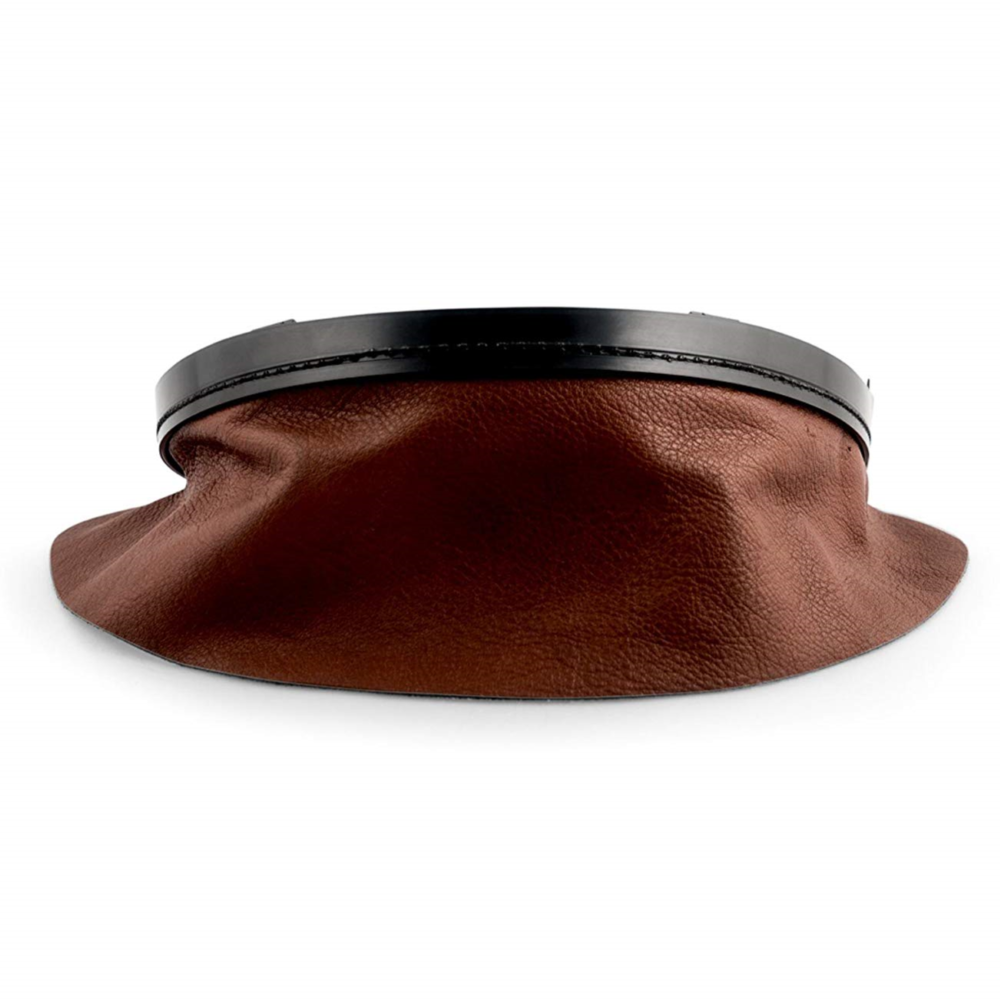
Leather neck coverd


Part Number: HOR46-0700-81
Model Number: 46-0700-81
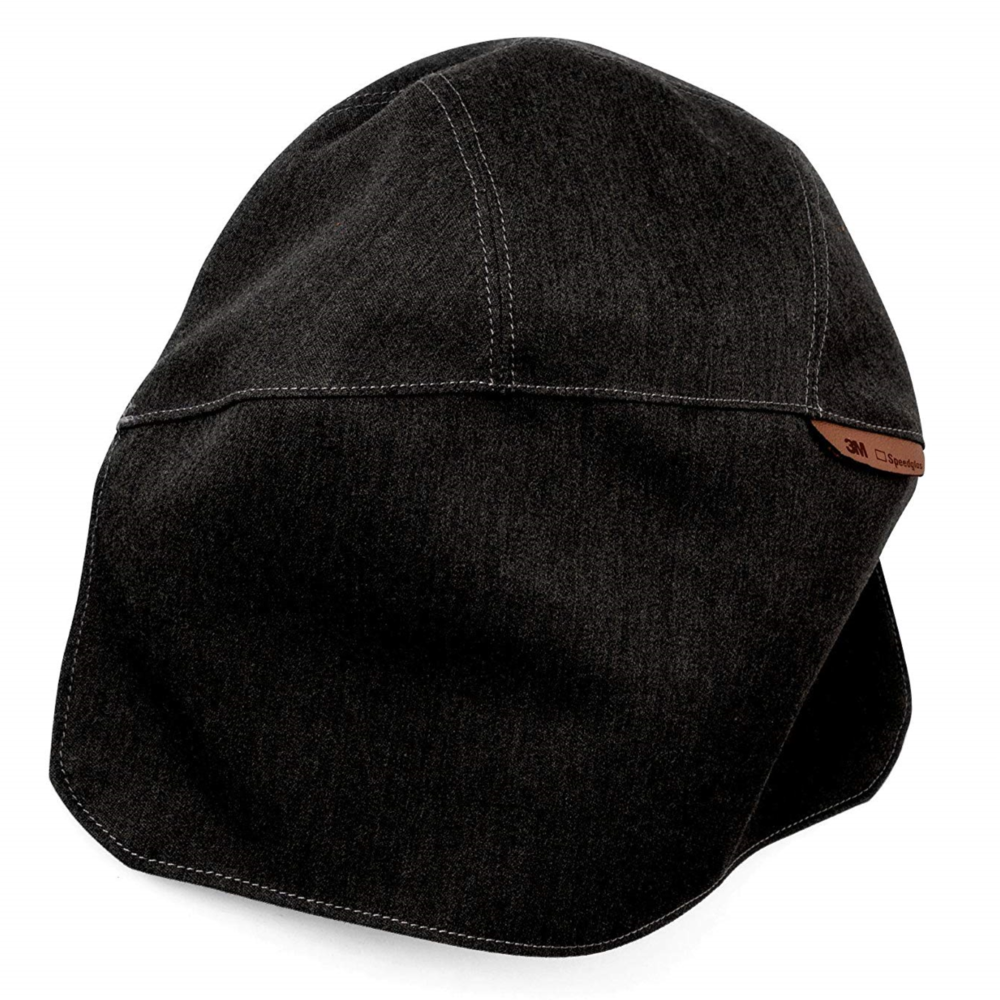
Large fabric head cover


The Model by Job Application

3M™ Speedglas™ Welding Helmets

There is a model to meet your needs.

SpeedGlas Helmet Models

Choose your model

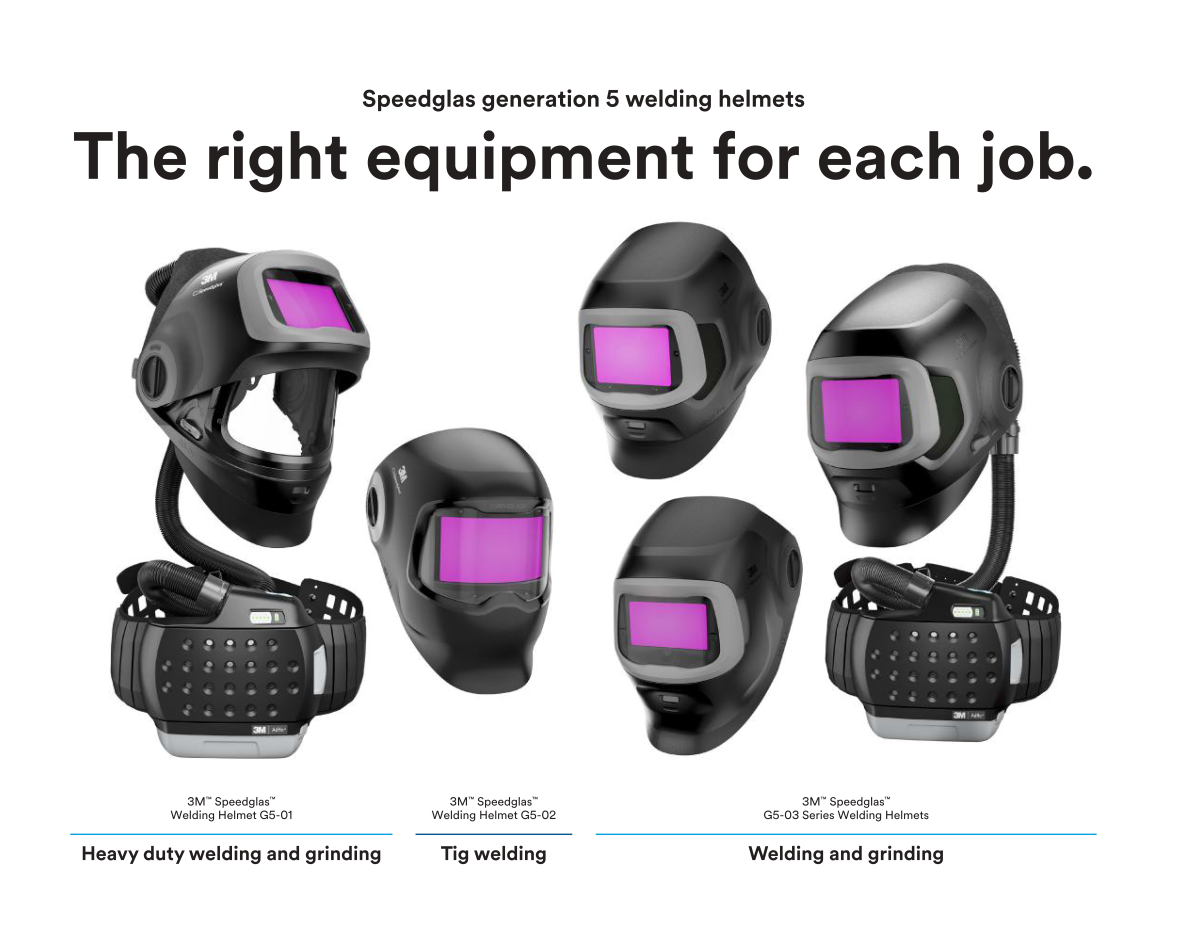
Welding Helmet G5-01

Intended for heavy duty welding and grinding

Welding Helmet G5-02

Ideal for tig welding

Welding Helmets G5-03

Designed for welding and grinding